Be in the cockpit. Not in front of it.
Turn any webcam into true-scale head tracking. Lean in to read the FMS, look out for traffic, and feel every touchdown.
Move your head. The cockpit follows.
Real head movement, real Microsoft Flight Simulator 2024 footage, four aircraft. Your face is never recorded: a holographic head stands in for you.
Just your webcam.
FlyGaze tunes itself to your camera on first run. The one built into your monitor or laptop is enough.
Any webcam
Built-in or USB, from any brand. If it can film you, it can track you.
A Windows PC
Windows 10 or 11, the same machine you fly on. Tracking runs on the CPU and leaves your GPU to the sim.
Your simulator
FlyGaze launches for Microsoft Flight Simulator 2024. MSFS 2020, X-Plane 12 and DCS World are planned next.
Nothing else to buy. No IR clip, no tracking hat, no special camera, no VR headset.
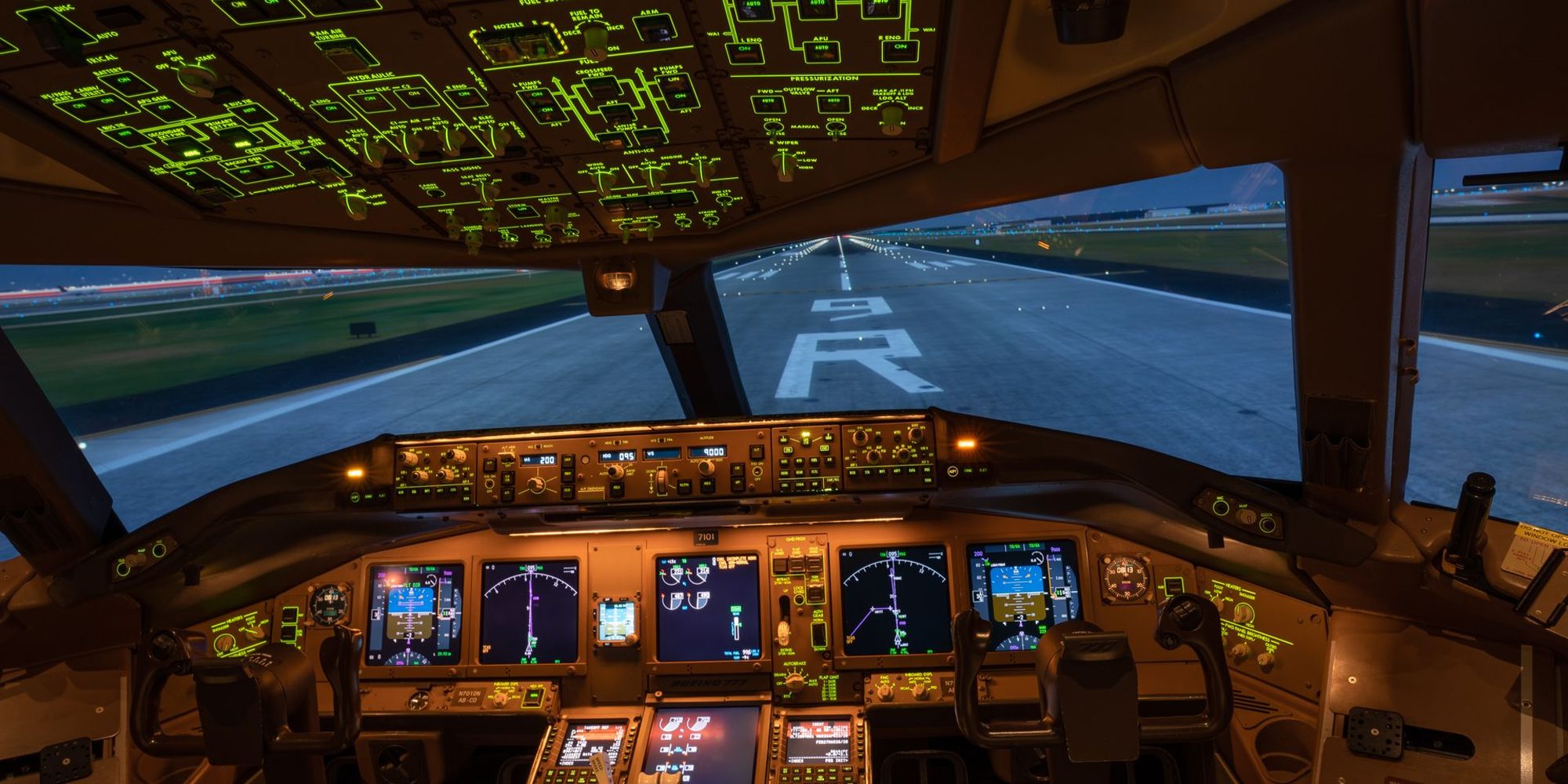
From a light single to a wide-body, every cockpit at its true size.
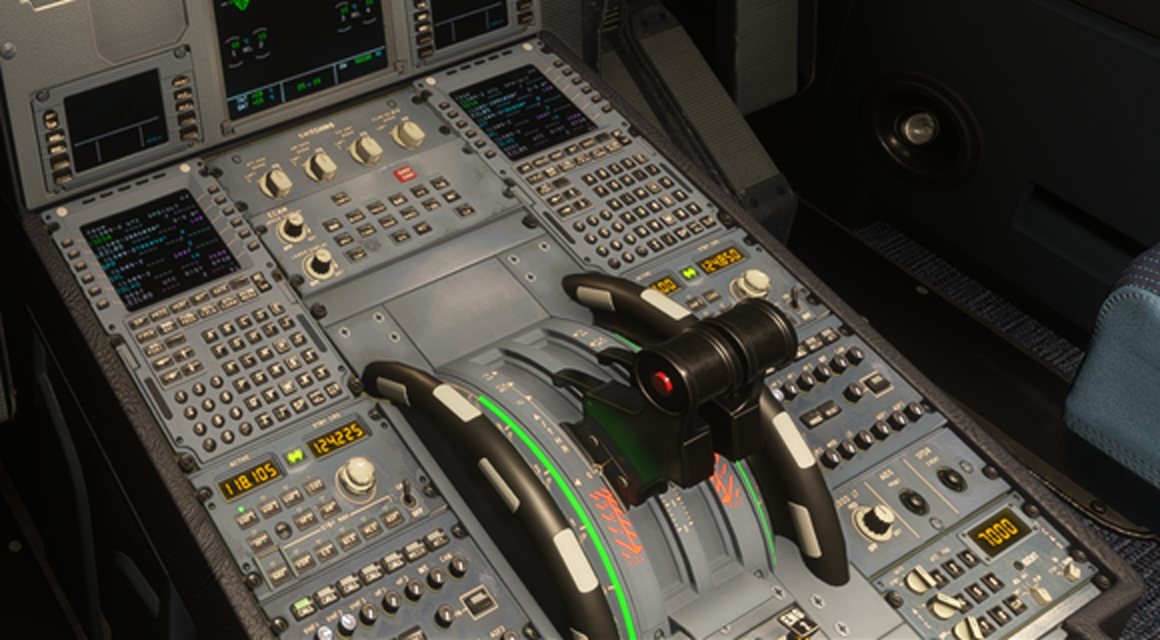
You move toward what you're looking at.
Look down at the pedestal and lean forward, and you go down to the FMS. Look at the side window and you go to the window.
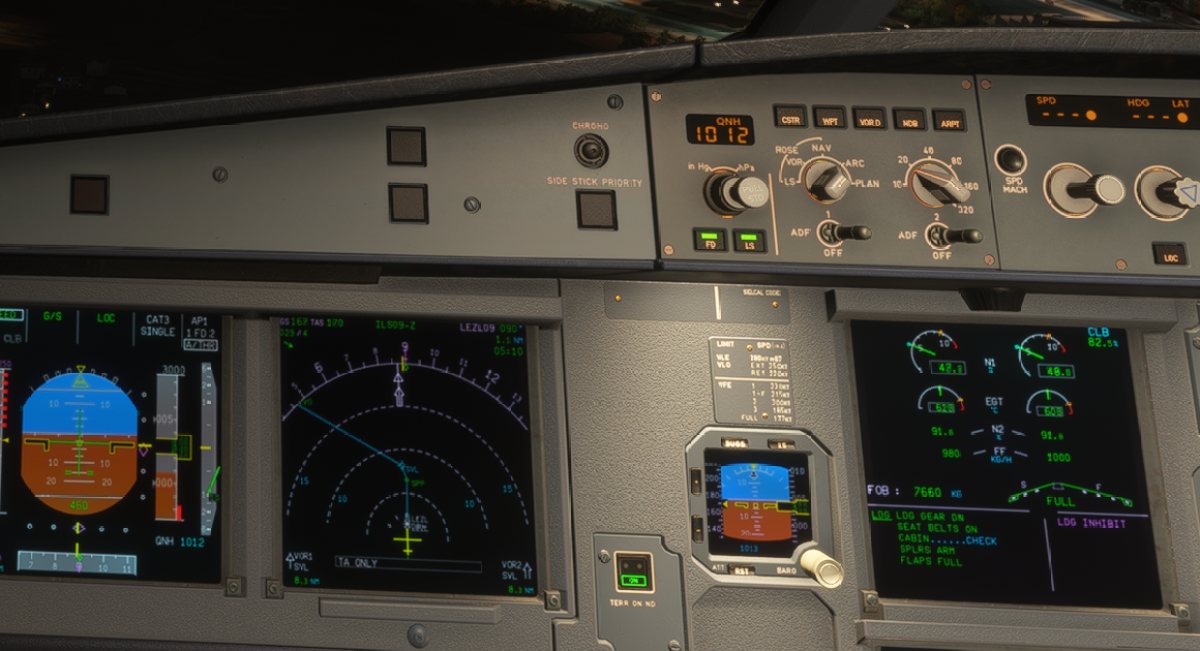
Never loses you up close
When your face leaves the frame, it tracks your whole head.
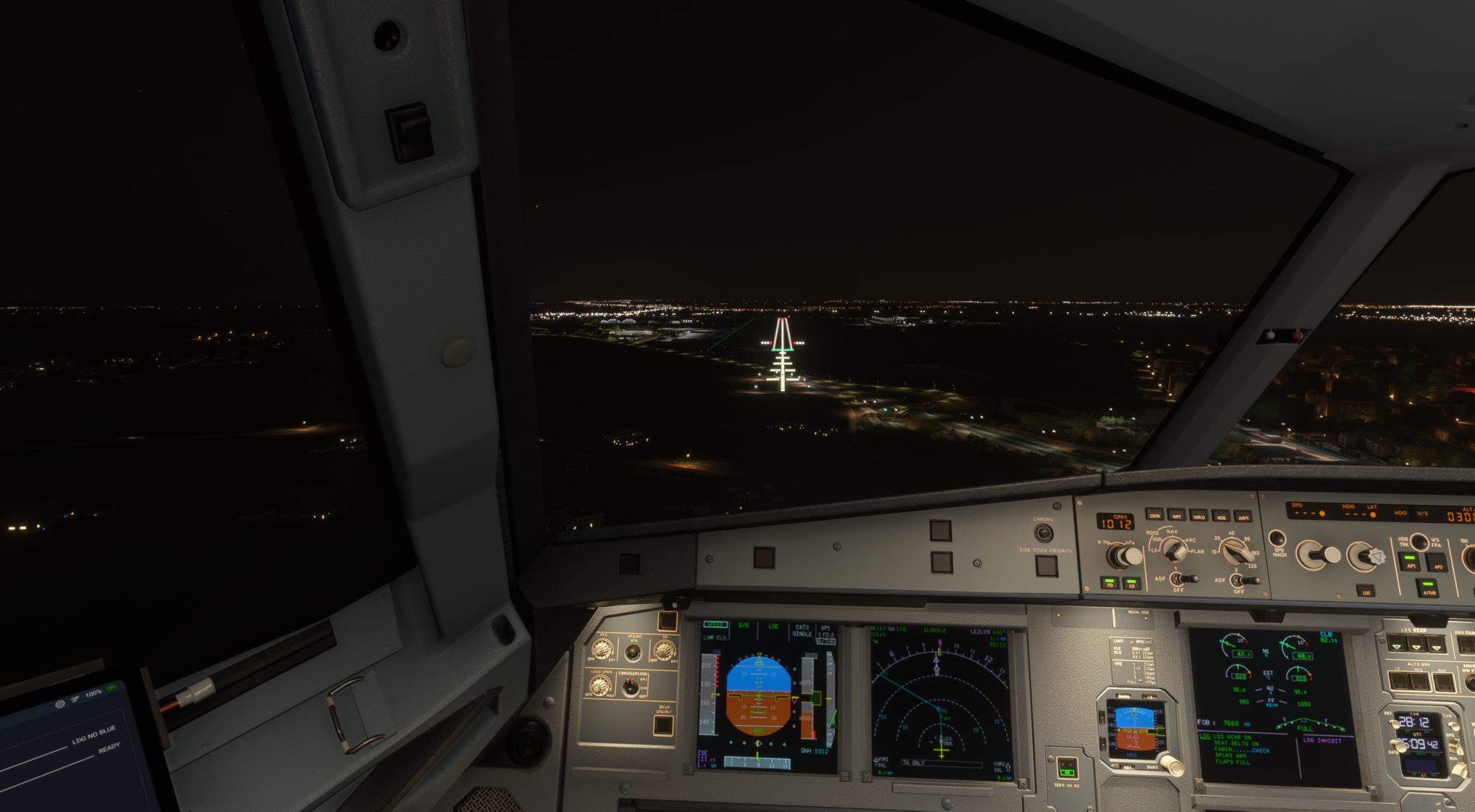
Turns without the slide
Look around and the view stays put.
Steady when you read
Stare at a gauge and the view locks still. Move and it follows you again, with no button to press.
Follows your posture
Shift in your seat on a long flight and the cockpit stays put.
Setup doctor
Finds screen tearing, low light, a badly framed camera or another tracker fighting for the view, and fixes what it can.
Stays on your PC
Video is processed locally. Nothing is uploaded, ever.
Feel what the aircraft is doing.
Touchdowns, gusts, buffet and the runway under your wheels, from live flight data, in any aircraft. Subtle, like the real thing.
Touchdown
A firm landing feels firm. A greaser barely does.
Runway and taxi
Asphalt, concrete or grass, each with its own feel.
Gear, flaps, speedbrakes
You notice them come out.
Gusts and turns
The cabin sways with the air and you sink into the seat in a turn.
Stall and Mach buffet
A warning you feel before you hear it.
Every aircraft its own
A light single and an airliner never feel the same.
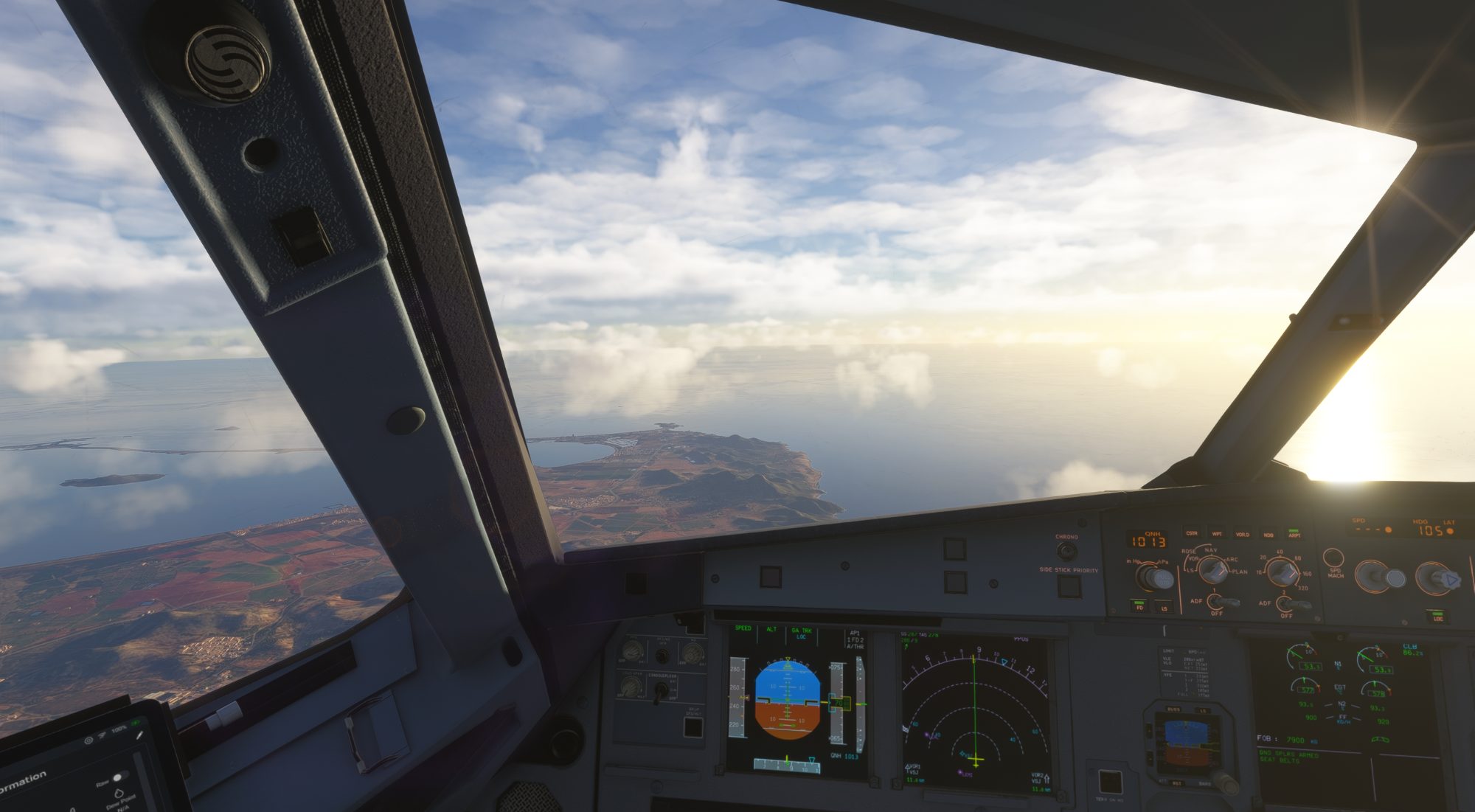
Fly through real air.
Gusts come and go with your altitude and the wind, and every aircraft rides them its own way.
It gets to know how you move.
A small AI on your PC learns your head movements and moves the view a moment early, so the webcam's delay disappears. It keeps improving the more you fly.
Less tracking lag error
Measured on flights the AI had never seen.
On your PC
Nothing about your flying is uploaded.
Private by design.
Everything runs on your machine. No account, no cloud, no video stored.
- Processed on deviceFace tracking runs locally on your CPU.
- No video storedFrames are read, measured and discarded.
- Works offlineNo internet connection needed to fly.
The details.
| Degrees of freedom | 6: yaw, pitch, roll and position on all three axes |
|---|---|
| Position scale | 1:1 with your real movement |
| Jitter at rest | 0.4 mm |
| Output rate | 250 Hz |
| Camera | Any webcam, built-in or USB. Minimum 720p at 30 fps |
| Operating system | Windows 10 and 11 |
| Output protocol | TrackIR-compatible, built in. No extra software |
| Simulators | Microsoft Flight Simulator 2024At launch MSFS 2020, X-Plane 12, DCS WorldPlanned |
| Cockpit physics | From live flight data, in any aircraft |
| Prediction | On-device AI that learns as you fly |
| Extra hardware | None |
Be first in the cockpit.
FlyGaze launches soon for Microsoft Flight Simulator 2024. Join the waitlist for development news and pay €19.99 instead of €24.99.
- News, sneak peeks and the launch date by email
- Waitlist price €19.99
€24.99, one-time payment - Free updates for the first year
FAQ
Do I need any extra hardware?
No. FlyGaze is software only and works with the webcam you already have, whether it's built into your monitor or laptop or plugged in.
Will my webcam be good enough?
If it records at 720p and 30 frames per second, yes. Most webcams sold in the last decade do, including the ones built into monitors and laptops. FlyGaze measures your camera on first run and adapts its filters to it, and it tells you if the light is too low or the camera is badly framed.
Is it the same as VR?
No, you stay on your monitor. The depth comes from true-scale parallax: near objects move more than far ones, just like in a real cockpit. Stereo vision, with a separate image for each eye, still needs a VR headset.
What happens if I lean too close for the camera?
FlyGaze keeps following you as long as the camera can see your face. If you leave the frame or the light drops too far, the view glides gently back to centre, and it picks you up again without a jump as soon as you're back.
Does the cockpit physics work in every aircraft?
Yes. Each effect is computed from the live flight data of the aircraft you are flying, such as its weight, engine type, angle of attack, Mach limit and gear position. A light single and an airliner each feel like themselves.
Which simulators does it support?
FlyGaze launches for Microsoft Flight Simulator 2024 only. MSFS 2020, X-Plane 12 and DCS World are planned next, and the waitlist and owner surveys decide which one comes first.
Does it learn from me, and is my data uploaded?
It learns how you move so it can stay a step ahead of your head. That learning happens entirely on your PC, and nothing is uploaded.
How much will it cost?
€24.99, a one-time payment with no subscription. Everyone on the waitlist pays €19.99 at launch.
Do I pay anything now?
No. Joining the waitlist is free and we never ask for a card. You only pay if you decide to buy FlyGaze when it launches, at the €19.99 waitlist price.
Do I get updates?
Yes. Every update released in your first year is included for free: new simulators, new features and improvements.
Can I help shape FlyGaze?
Yes, and we want you to. FlyGaze owners get short surveys to vote on what we improve and build next, so the roadmap follows the pilots who use it.